How to remove search results about you from Google


 Expand
4 min read
This guide walks you through the process of removing unwanted links from Google search results on your own, using Google's official reporting tools. We'll cover how to find links that display your personal information, how to collect the correct URLs, how to submit a removal request, and what to expect afterward.
Before You Start: Choose the Right Form
Google provides different reporting tools depending on where you are located.
If you are an EU citizen
Use this link: https://support.google.com/legal/troubleshooter/1114905?hl=en
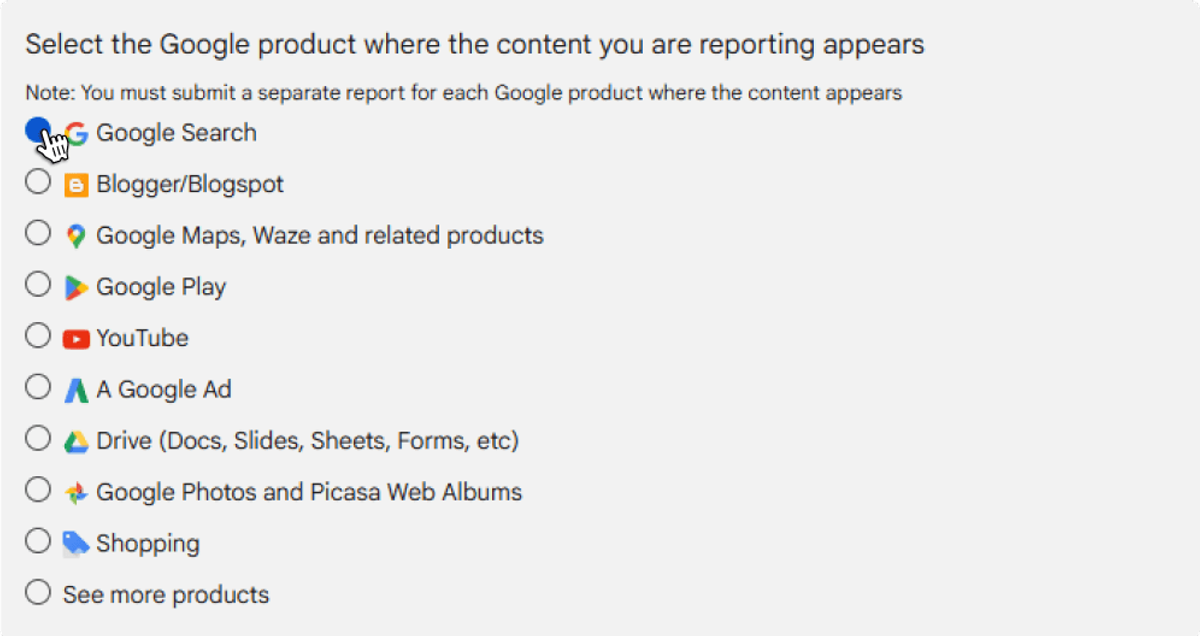
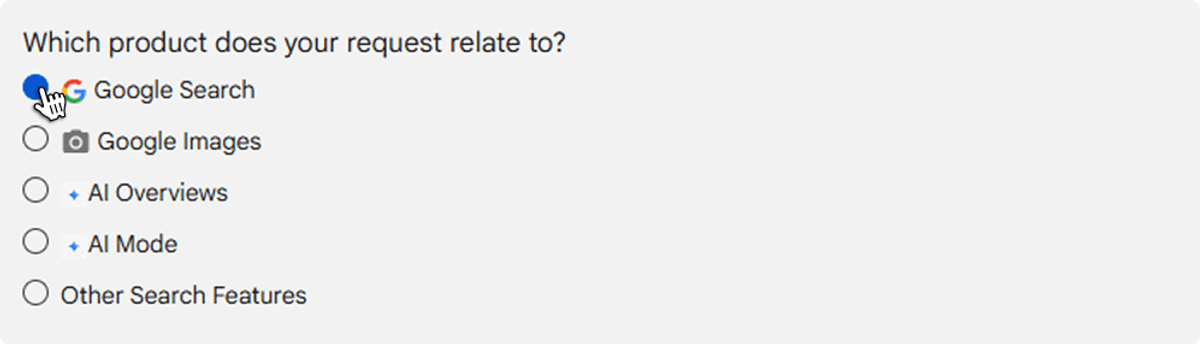
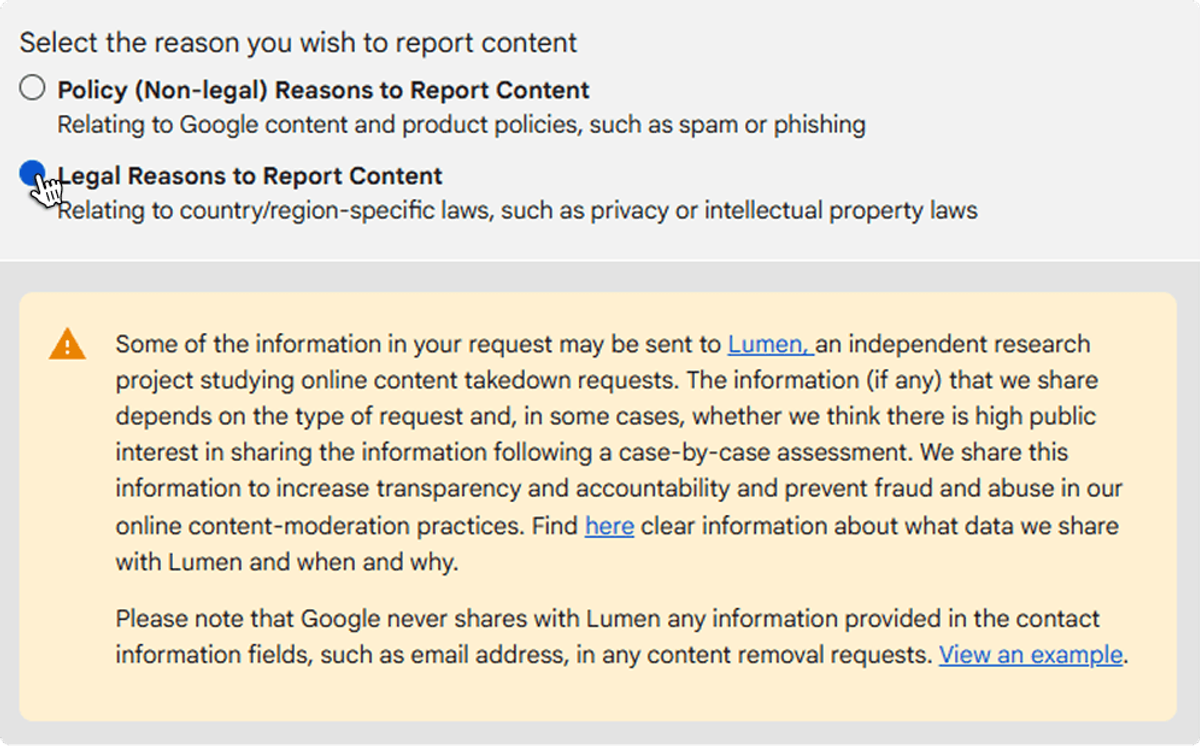
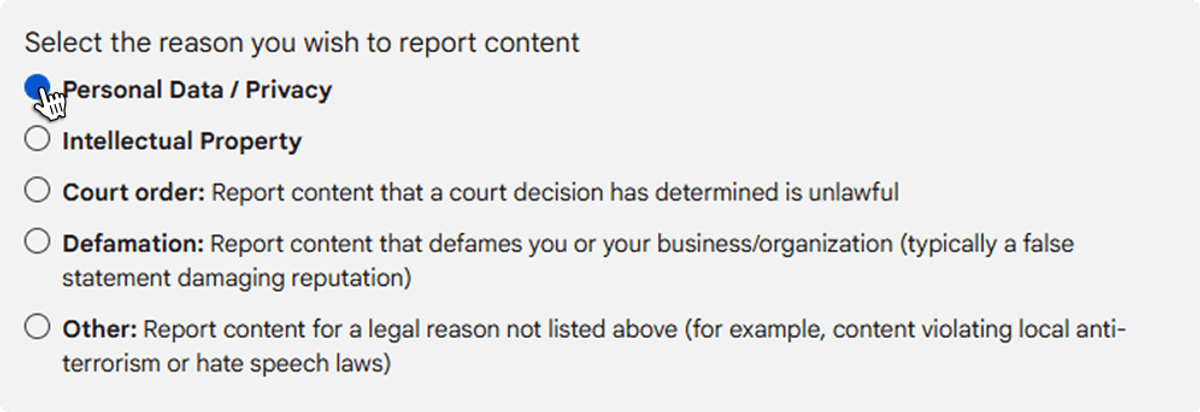
Once there, follow these steps to reach the correct form:
- Select Google Search
 Expand
- Select product
 Expand
- Select "Legal Reasons"
 Expand
- Select "Personal Data / Privacy"
 Expand
- Select "Right to be forgotten"
 Expand
- Create Request
 Expand
This will take you to the removal request form.
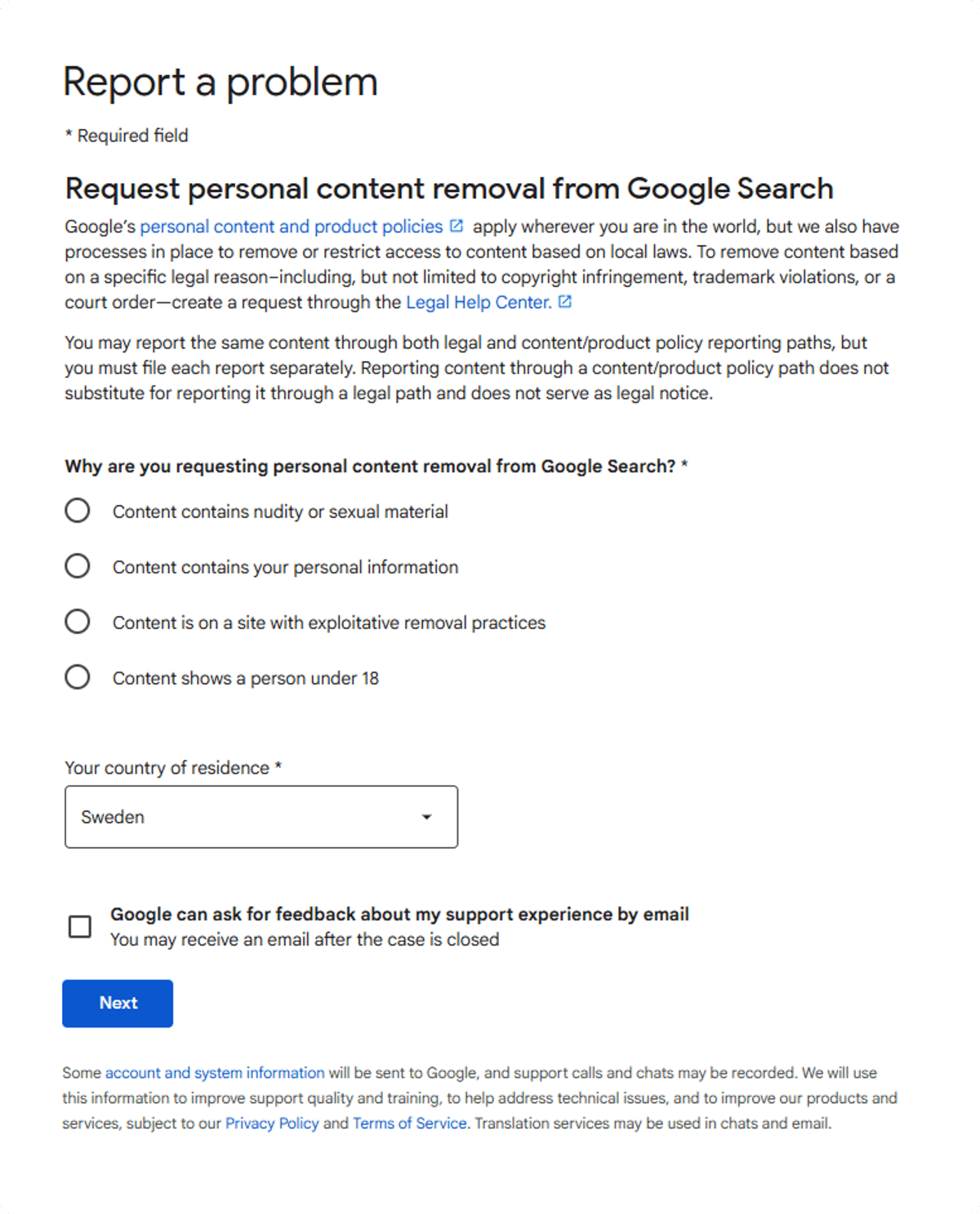
If you are a citizen outside the EU
Then, use this link instead and fill out the form directly:https://support.google.com/websearch/contact/content_removal_form
 Expand
Submit correct links for removal
Step 1: Search for Your Name on Google
Go to www.google.com and search for your full name. To make sure you find all relevant results, try several variations. This might include your full legal name, your name with a middle name or initial, your name combined with your home address, or your name along with the city or town you live in. The goal is to identify every search result that displays your personal information.
Step 2: Identify Unwanted Links
Carefully review each search result. Make sure each one actually refers to you and not to someone else with a similar name. Only focus on links that clearly show your personal information, such as your address, phone number, email, or other identifying details. If you find multiple links from the same website, treat each one individually — Google processes removal requests per URL, not per website.
Step 3: Collect and Save the Links
Open each relevant search result and copy the full URL directly from your browser's address bar. Paste each link into a single document, such as Google Docs or a Word file. Gathering all links in one place before submitting helps prevent duplicates and ensures you don't miss anything.
Step 4: Submit Your Removal Request
Return to the Google reporting form you selected earlier (EU or non-EU). Paste the links you've collected into the form and provide the required details. Once everything is filled in, submit your request.
Google will review each link individually and determine whether it qualifies for removal based on their policies.
What Happens After You Submit
Once your request has been sent, Google will begin reviewing the links you submitted. In most cases, links are removed within approximately 13 days. Some removals may happen in as few as 4 days, while others can take up to 8 weeks depending on the type of content and Google's review process.
You do not need to follow up with Google unless a significant amount of time has passed without any update.
What Can and Cannot Be Removed
Not all links are eligible for removal. Understanding what qualifies can help you set the right expectations before submitting your request.
Links that can typically be removed
Content that contains your home address, your full name in combination with other personal details, photos of you, personal information appearing in forum posts or discussion threads, and news articles about you — provided they are not considered to be of public interest — are generally eligible for removal.
Links that cannot be removed
Google will typically not remove links that do not actually refer to you, links related to your own social media accounts, content involving public figures or matters considered to be in the public interest, and links relating to business or corporate information where public access is legally required.
A Note on Public Interest
Information that is considered relevant to the general public — such as official records, business details, or matters of broader social importance — is typically not eligible for removal, even if it includes your name or other personal details. In these cases, the content must remain accessible under applicable laws and Google's policies.
This guide is intended to help individuals take control of their personal information appearing in Google search results. For ongoing monitoring and automated removal, consider using Serus to manage the process for you.
 Expand